Paper weight, finish and duplex: why your prints look how they look
Paper is half of a print. A middling printer on decent paper beats a flagship on the wrong sheet, and the choice is cheaper than any ink upgrade.
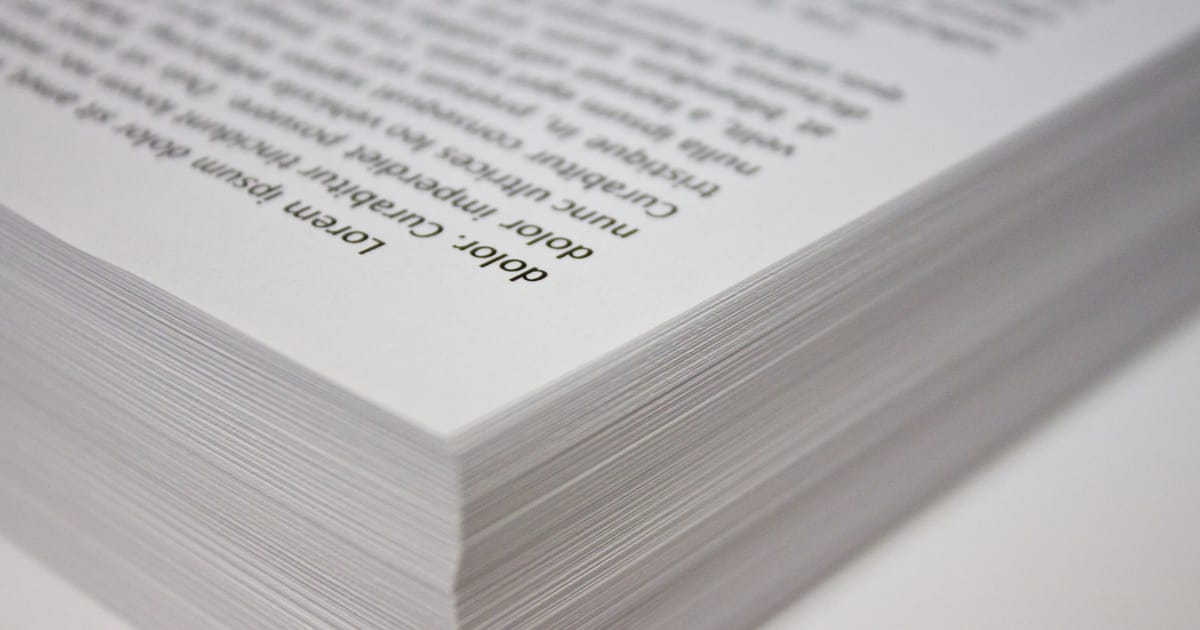

Open any ream of paper and you will see two numbers on the wrapper: a size (A4) and a weight (80gsm, 100gsm, and so on). The size is easy. The weight tells you how the paper will behave in the printer and under the light. The finish (matte, satin, glossy) is what makes a photo look like a photo or a letter look like a letter. Spend ten minutes with this and you will choose paper more usefully than any specs sheet suggests.
Paper sizes, briefly
In the UK, the default is A-series paper (ISO 216). A4 is the standard letter size; A5 is half an A4; A3 is twice an A4. US "letter" size is a slightly different shape (shorter and wider) and you only run into it if you are printing a document someone sent from the United States. Set the tray to A4, set the driver to A4, and life is calm.
Weight: what gsm means
GSM is grams per square metre. The common ones at home:
- 70–80 gsm: everyday copy paper. Fine for drafts, school work, invoices. Thin enough that heavy black on one side shows through to the other.
- 90–100 gsm: the jump most people notice. Thicker, less show-through, feels more like "a proper letter". Good for CVs, legal documents, anything you want to feel considered.
- 120–160 gsm: thin card. For invitations, menus, business documents you want to stand up on a table. Check your printer's maximum paper thickness; most inkjets handle up to 220 gsm through a rear tray, most compact lasers top out around 160 gsm.
- 200+ gsm: photo and art paper. Specialist territory.
If you want one universal upgrade from the cheapest paper, buy a ream of 100 gsm white. It costs about half as much again as 80 gsm and makes every print look better. It also handles double-sided printing more gracefully.
Finish: matte, satin, gloss
- Matte paper has no shine. It is the right surface for text, charts and anything that will be read under room lights, where reflection is a nuisance. Photos on matte paper look softer and are good for black and white.
- Satin (sometimes called semi-gloss or lustre) sits in the middle. It is the default for people who print photos regularly but dislike glare.
- Gloss paper is shiny. Colours look punchiest on it. Glossy prints smudge easily until the ink is fully dry, and fingerprints show up under a lamp.
Pick finish to match the viewing: a photo for the fridge wants gloss, a photo for a frame behind glass wants matte, a photo album wants satin.
Does paper brightness matter?
Paper has a brightness rating, usually quoted as a number between about 92 and 110. Higher brightness means more light bounces back, so blacks look blacker and colours cleaner. For everyday printing, anything between 92 and 100 is fine. Very bright paper (104+) is lovely for presentations and awkward for long reading sessions under bright light.
Duplex: when double-sided is a good idea
Duplex printing (automatic double-sided output) is on by default on most modern office machines because it halves paper use. For most everyday printing, use it. For some jobs, do not.
Turn duplex off for:
- Anything you will post. A bank or an insurer wants the signature on the front; duplex can confuse feeders at their end.
- Thin paper (under 80 gsm). The back of the page shows through.
- Photos. Photo paper is coated on one side only.
- The first page of a report if you want a cover-style clean front.
Leave it on for drafts, meeting handouts, long documents you are reading on paper, and anything you will file.
Storing paper
Paper is hygroscopic: it drinks the moisture in the air. Open reams slowly curl in a humid summer or crack in a dry winter. Keep paper flat, in its wrapper, away from radiators and outside walls. If your printer suddenly starts jamming after a seasonal change, swap in a fresh ream before you call the engineer. There is more on jams in our common printer problems piece.
The sheet that pays for itself
If you put together a lot of documents you will give to other people, a box of 100 gsm white is the cheapest reputation upgrade in your office. If you are printing photos, one pack of satin photo paper, kept flat and used, will teach you more about your printer than any review.
Recycled paper, honestly
Recycled office paper has got much better in the last five years. The leading brands now produce a 100% recycled 80gsm that prints as cleanly as virgin paper on all but the most demanding photo work. The two things to watch for are brightness (recycled tends to be slightly less bright, which is almost never noticeable on text), and dust. A cheap recycled ream that sheds fibres will leave specks on an inkjet and streaks on a laser. If you try a recycled brand and the first ream is dusty, switch. The next brand up is still cheaper than the environmental cost of not switching.
Envelopes, labels and card
If you only ever print on plain paper, skip this. If you print the occasional envelope or sheet of labels, it is worth learning the feeder route on your printer.
- Envelopes feed better through a rear or multi-purpose tray than through the main cassette. Set the paper type to Envelope so the printer slows down and uses a different feed pressure.
- Address labels should be fresh. Old label sheets separate inside the printer and glue themselves to the fuser of a laser, which is an expensive mistake.
- Card up to 200gsm is fine through most inkjets' rear tray and most lasers' bypass tray. Above that, use a different printer. The pay-off of damaging the fuser of a laser trying to feed 300gsm card is not worth the half-hour saved over a trip to a copy shop.