Inkjet or laser for a home office? A straight answer
Both technologies have got better and cheaper. The real question is what you print, how often, and whether the machine will sit idle for weeks.
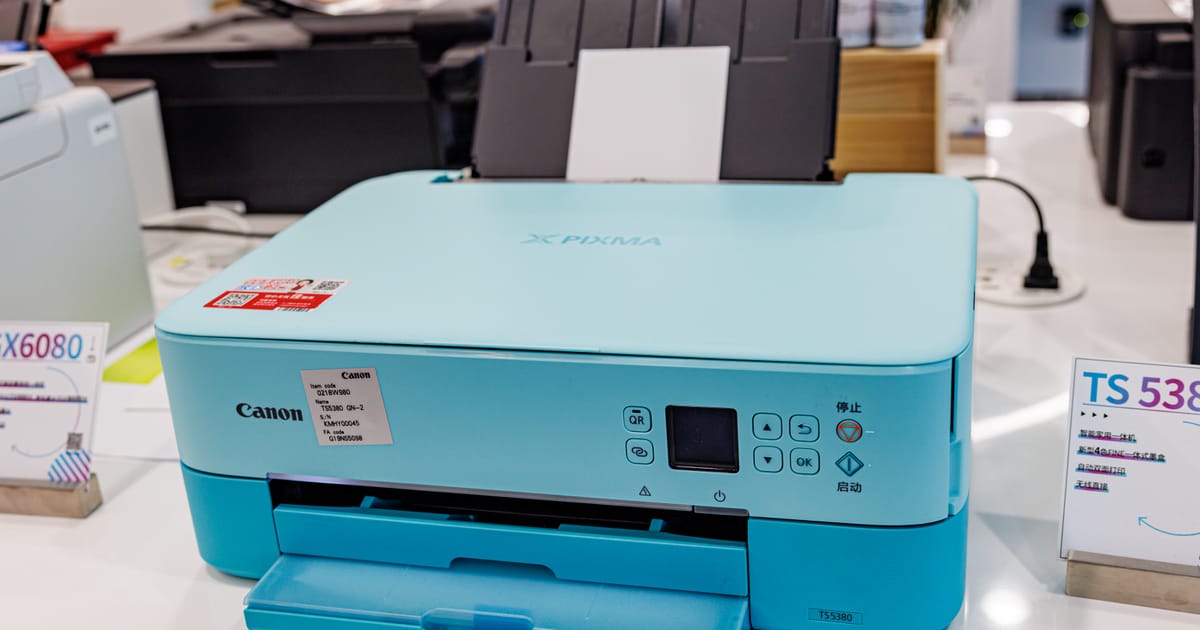

If you have been googling "best printer for home office" and bouncing off ad-stuffed lists, here is the short version. A modern inkjet is the better buy if you print mixed pages (colour, photos, the odd school project) a few times a week. A modern laser is the better buy if you mostly print black text and want to open a box, forget about it, and have it work in three months when you finally need to print a form.
Everything else is nuance. This piece is the nuance, and it will save you an evening of comparison shopping and a year of buyer's remorse.
Who this is for
The home and the small office, not the studio. One or two people printing anywhere between a page a week and twenty pages a day, in a kitchen, a spare room or a shared desk in a shop. Not the colour-managed designer workflow, not the warehouse label printer, and not the big floor-standing office multifunction, which is a different beast entirely.
How the two actually work
An inkjet sprays tiny droplets of liquid ink onto paper from a moving head. A laser fuses dry powder (toner) onto the page with heat. Inkjet printing is ancient technology by now, but it has quietly got very good: current models print sharp text at small sizes and can produce respectable photos on photo paper. Laser printing is older still (Xerox, 1970s) and is built around the same electrostatic trick that photocopiers use.
The differences that matter at home follow from the physics.
Where each one wins
Inkjet wins at:
- Photos and anything with large coloured areas.
- Thicker media like card and glossy paper.
- Buying in. Entry-level inkjets with a scanner on top cost less than any new laser.
- Size and noise. Inkjets tend to be smaller and much quieter.
Laser wins at:
- Long runs of black text. A laser will not slow down over twenty pages.
- Sitting idle. Toner powder does not dry out. An inkjet left for a month may clog and waste ink unblocking the heads.
- Mono cost per page, which is low and predictable.
- Document archival. Laser prints are more water-resistant than most dye-based inkjet output.
The running-cost question, honestly
You will read that lasers are always cheaper to run and inkjets always more expensive. That used to be a safe rule. It is no longer the full picture, because the two formats have split into sub-formats.
A cartridge inkjet (the common sub-£100 kind) has the worst cost per page of anything on the market: the cartridges are small and the printers subsidise themselves on consumables. A refillable ink-tank inkjet (Epson EcoTank, Canon MegaTank, HP Smart Tank) is much cheaper per page, often close to a mono laser for black text. A colour laser is cheaper per text page than a cartridge inkjet but can be slightly more expensive than an ink-tank when you print across the whole range. For a sense of the independent testing, look at Which?'s printer reviews, which measure both print quality and running costs.
There is more on this in our breakdown of printer running costs.
Features that quietly matter
By 2026 the following are not nice-to-haves, they are table stakes on anything you buy new:
- Automatic duplex. Prints both sides without you turning the paper over. Standard on almost every printer above the entry rung. See how duplex printing works if you want the detail.
- Wi-Fi and driverless printing. You want AirPrint (Apple) and Mopria (Android, Chrome OS, Windows) support so you can print from a phone without installing anything. More on both in our phone printing guide.
- A flatbed scanner if you occasionally need to scan something, and an ADF (automatic document feeder) if you ever handle multi-page forms.
Buying rules of thumb
Pick a mono laser if you print under about 20 pages a week, almost all black, and nothing in colour matters. Pick an ink-tank inkjet if you print any colour or photos and you want the lowest realistic running cost over five years. Pick a cartridge inkjet only if the up-front price matters more than everything else and you are honest with yourself that the sum of its cartridges over its life will cost more than the printer did.
Whatever you buy, print something at least once every two weeks. Idle inkjets are the number one source of the complaint "my new printer is rubbish" that lands in family group chats across the country.
Two mistakes we see often
The first is buying a laser for a home where nobody prints text. If the real use case is three birthday invitations a year and a photo for the fridge, a laser is the wrong shape of tool, even though it looks like the more "serious" purchase. The second is buying a cartridge inkjet on price and then being surprised when a year of cartridges costs more than the printer. Both mistakes come from treating the printer as the product and the consumable as an afterthought. Reverse the order when you shop: pick the consumable economics, then pick the printer that sells it to you.
A word on recycling
Old printers and cartridges are electrical waste. Retailers above a certain size have a take-back duty under the WEEE regulations: ask when you buy the replacement whether they will dispose of the old one for you. Most will, and many will do it free of charge. The shell of a dead cartridge inkjet is a good candidate for the local council's electrical recycling point; empty cartridges should go there too, rather than into the kerbside bin.